
FREE TOOL
MEDIA / WINDOWS 10 & 11
PlaySmith
A privacy-first media player for Windows 10 & 11 that plays almost any music or video file, stream or disc, and picks the right settings for each one.
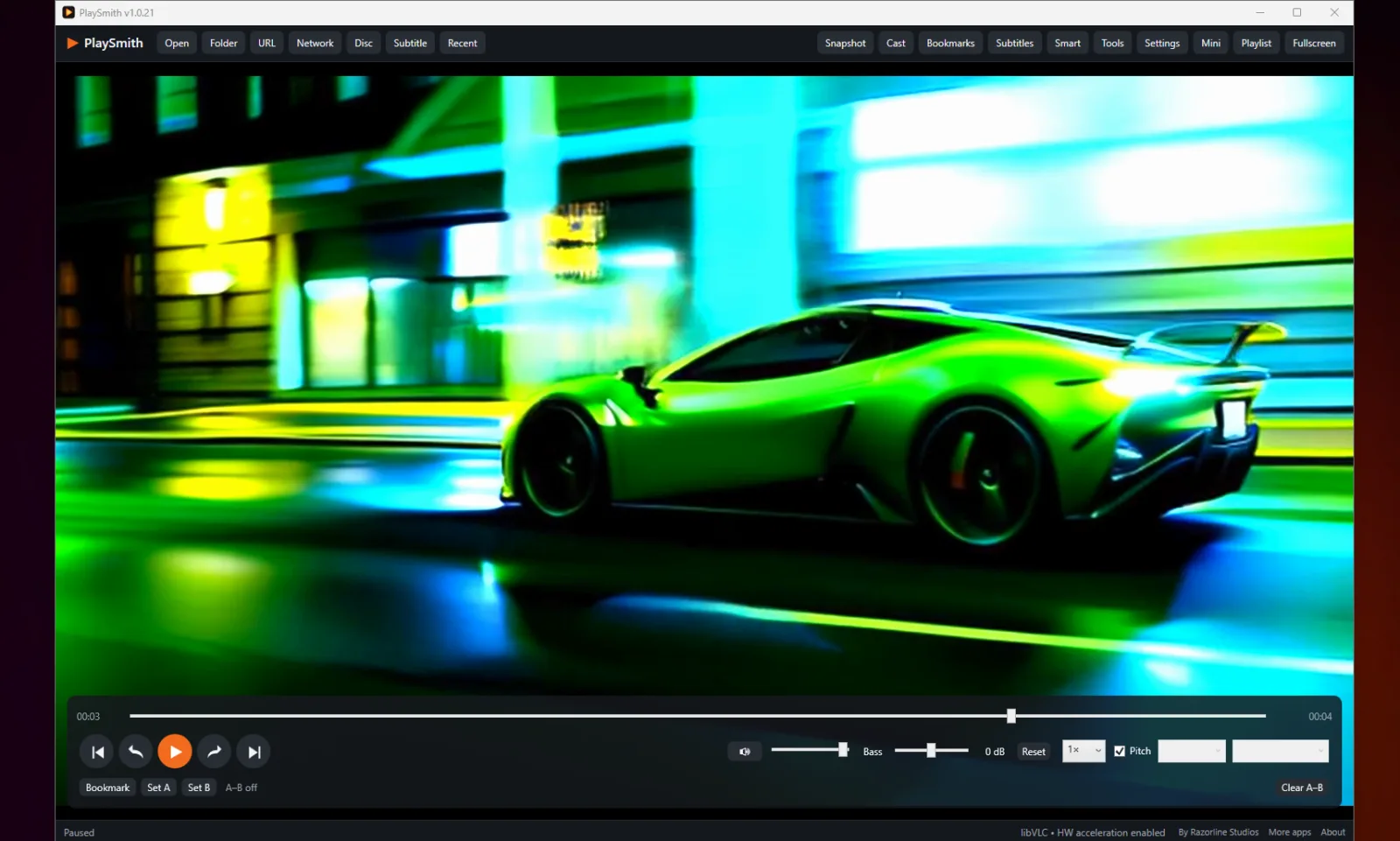
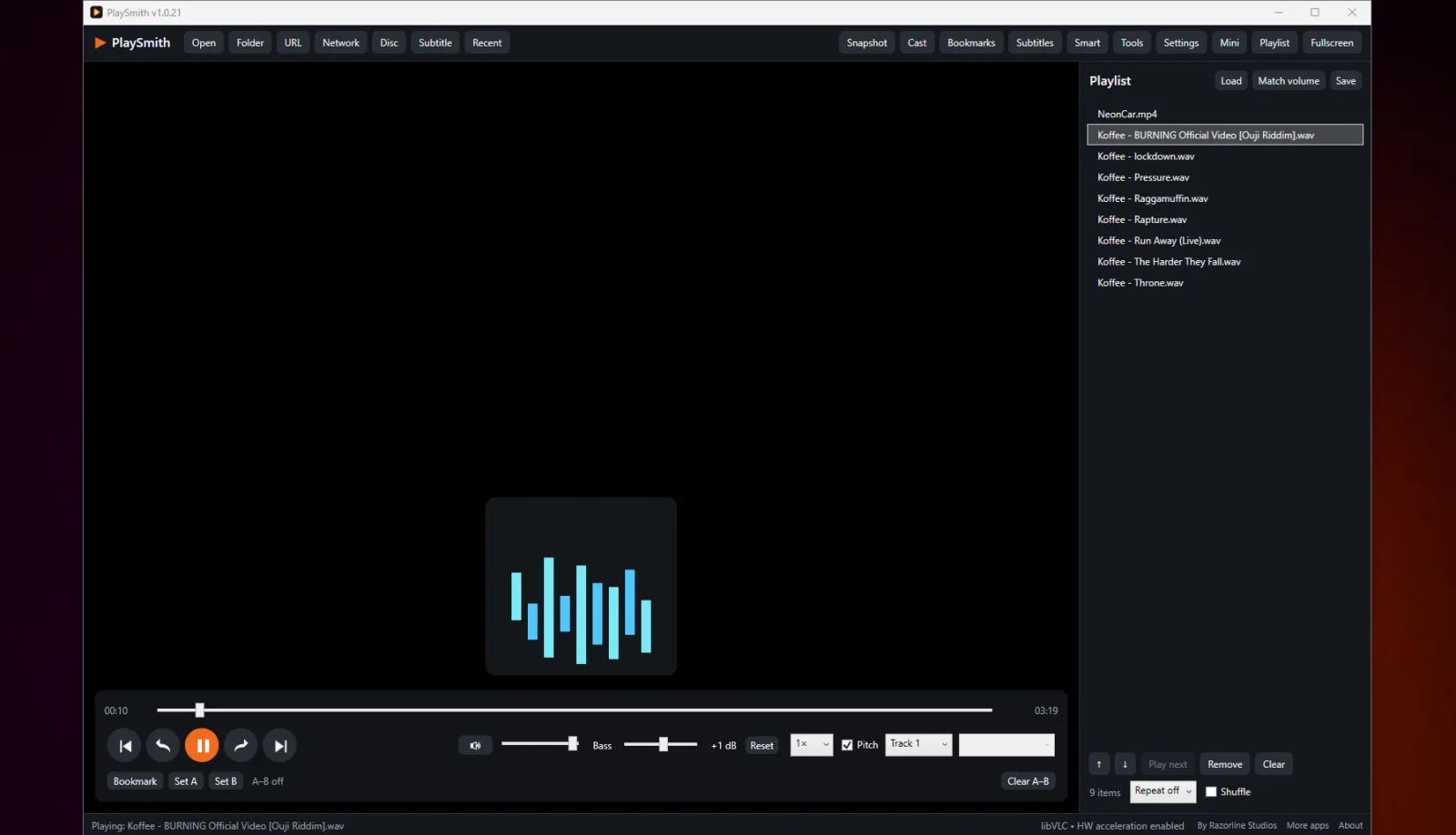
Plays almost anything, and sorts out the settings for you. Open a film, a music folder, a disc, a network share or a YouTube link and just press play.
- Plays almost anythingnearly every video and music format, discs and network streams, built on the proven VLC engine.
- PlaySmith Autopicks sensible settings for each file, and AutoFix steps in only when playback goes wrong, keeping your place.
- Video links built inYouTube, Vimeo, Twitch and SoundCloud links play straight in the player, up to 1080p with sound, once you allow the helper it needs.
- Smart Crop and auto tracksblack borders are removed, and the best audio and subtitle tracks are picked automatically.
Also included:
- Volume matchingno track in a playlist is suddenly too loud or too quiet.
- Sound and controlbass control, equaliser, speed with pitch kept, A-B repeat, bookmarks, a Play Next queue and resume where you stopped.
- Ask This Videosearch a video's subtitles to jump to the moment you want.
- Watch your waymini player, fullscreen, cast to a TV, snapshots and keyboard shortcuts.
Upgrading from LeniPlayer? Setup replaces it and PlaySmith brings over your settings, history, bookmarks and favourites.
Private by design
everything runs on your own PC. No adverts inside the app, no tracking, no account.
Requirements
Windows 10 or 11, 64-bit.
GETTING STARTED
How to use PlaySmith
FREE COMPANION TOOLS & GUIDES
Get more out of PlaySmith
FREQUENTLY ASKED QUESTIONS
PlaySmith FAQs
Does PlaySmith work on both Windows 10 and Windows 11?
Yes. PlaySmith is a native 64-bit Windows desktop application that runs on Windows 10 (64-bit) and Windows 11 (64-bit) with no browser wrapper or required cloud account.
Is PlaySmith completely free to download and use?
Yes. PlaySmith is completely free to download and use on Windows 10 & 11 with no ads, no forced account sign-up and no telemetry.
Does PlaySmith upload my files to the cloud?
No. All Razorline Studios apps are built local-first: your photos, audio, documents and diagnostic scans stay on your own Windows PC.
Why might Windows SmartScreen show a notice on a new release?
Windows SmartScreen builds reputation per installer build. Every Razorline Studios installer is published by RAZORLINE STUDIOS LTD (UK Companies House #17542388) and includes a published SHA-256 checksum on this page so you can verify the exact file.
WHAT’S CHANGED
Release history
Version 1.0.21 Latest
20 Nov 2026 · x64 · 75.1 MB
PlaySmith 1.0.21. Play now works again after a video or song has finished, and starts from wherever you move the timeline. No more green square or file path flashing over the video when it starts.
SHA-256 checksum
06641a7874689198243e82c87cc266c735504c031a728a78bdfc3da6fb22c8e2